Show upcoming events on a page
An "Upcoming" block shows, on a page of the site, the up-to-date list of the next sessions, for example the next classes on the home page or the next retreats on an activity's page: you create it in the admin, then paste its shortcode into the page.
The four presentations
The block's Presentation field decides what visitors see. Here are the four, as they appear on the site. The heading above the block ("Upcoming"…) belongs to the page, not to the block.
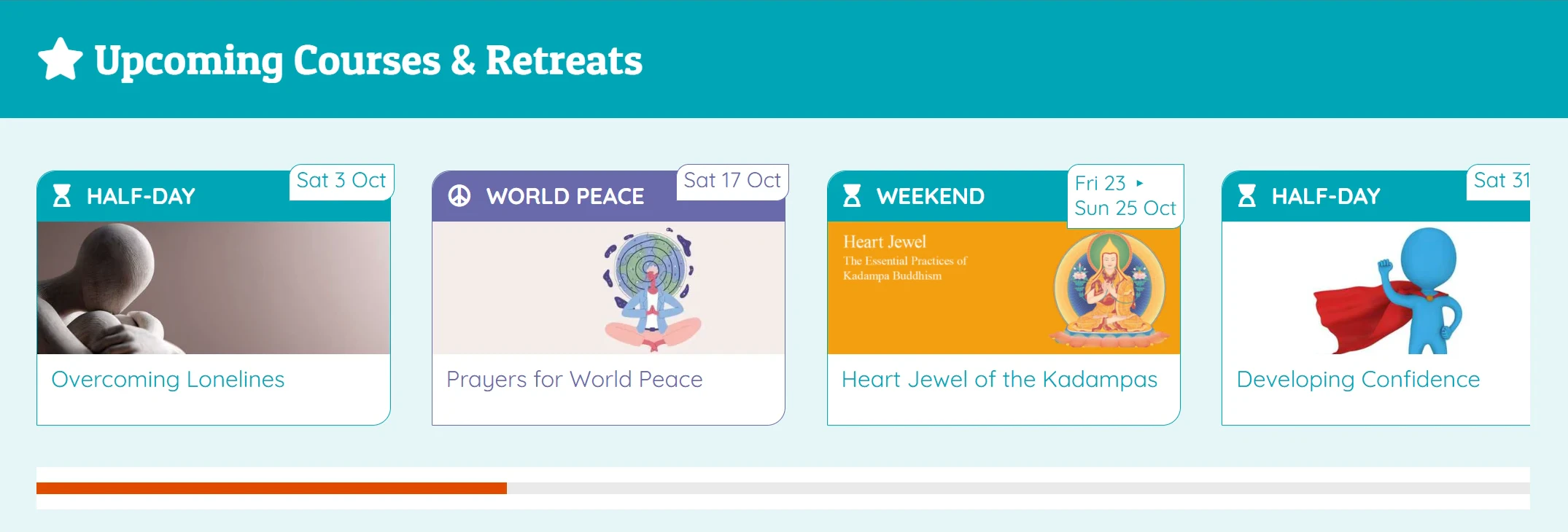
Events
One card per session, with its image. To highlight the next classes, retreats or weekends.
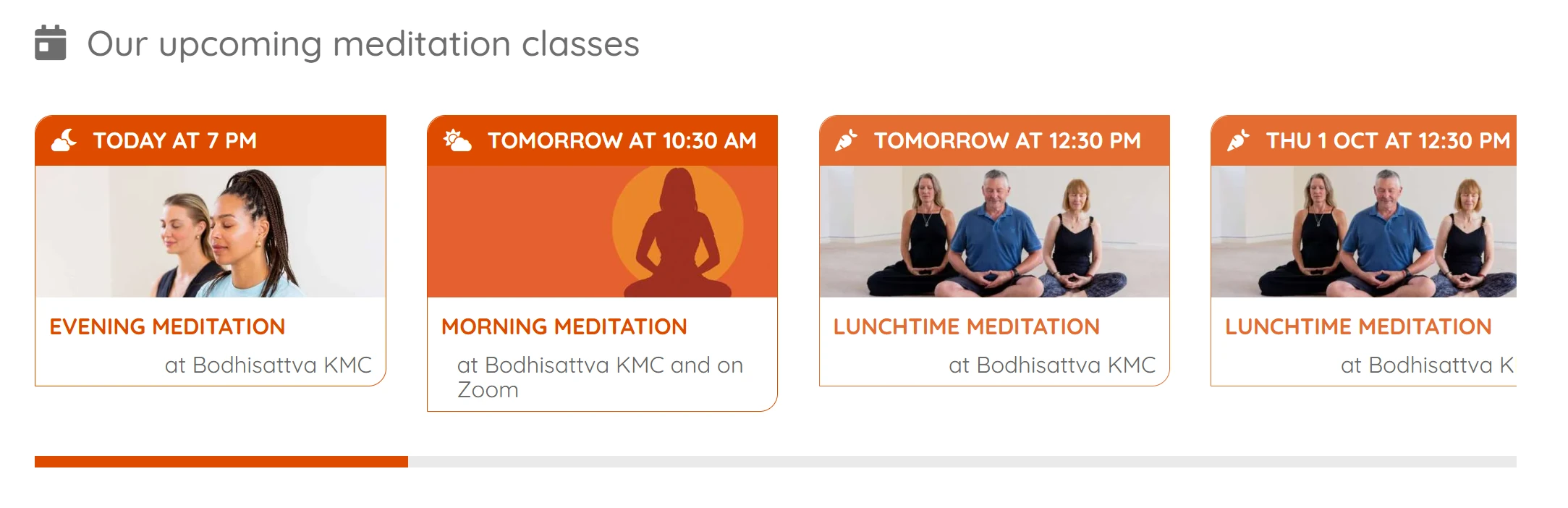
Courses
One card per session too, but focused on the time: the date and time in full at the top, then the image, the activity name and the venue. Suited to regular classes.
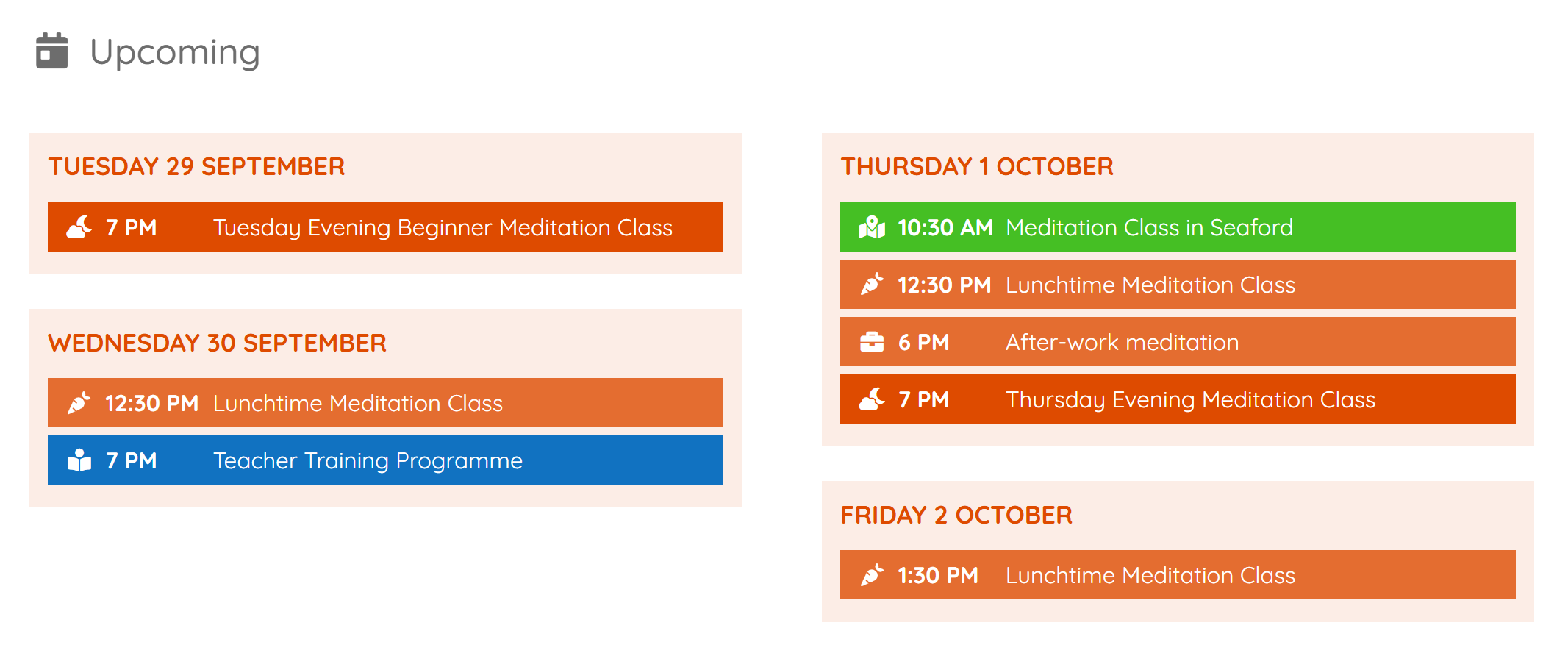
Calendar by day
One block per day, grouping that day's sessions, each on the colour of its activity.
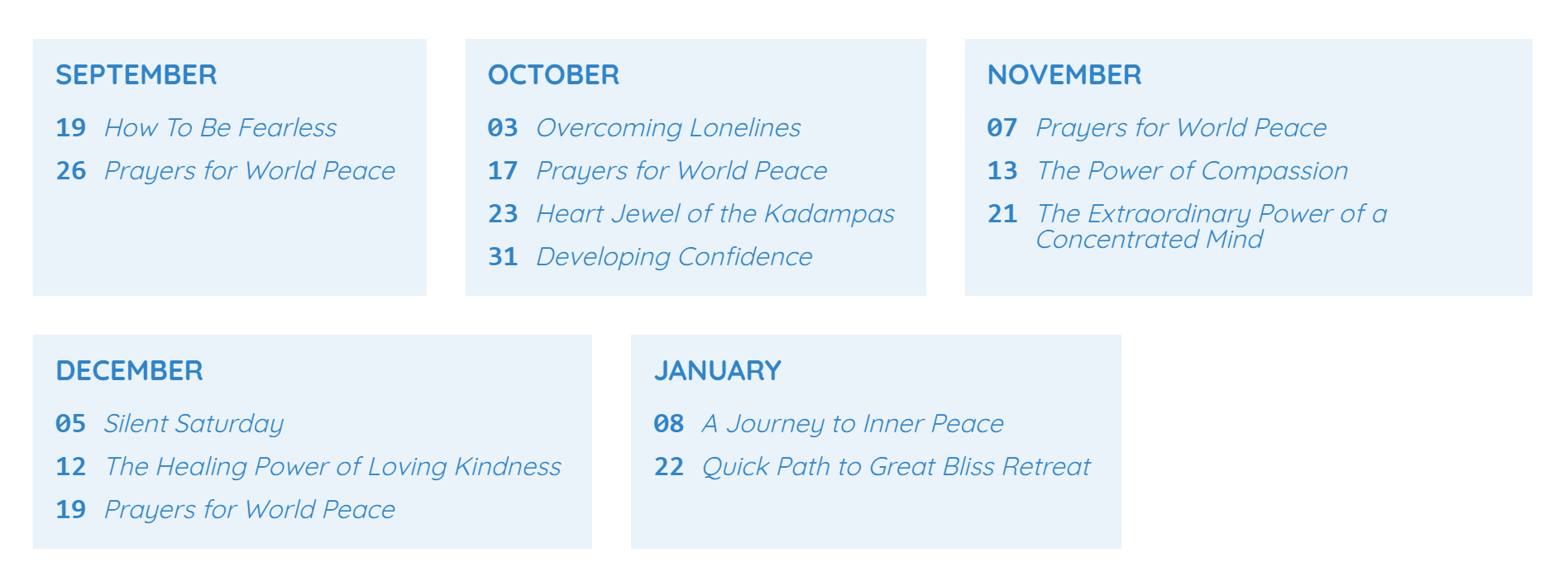
Monthly calendar
One frame per month, with the day and then the title of each session: the plainest, with no image.
The details of each presentation, with the horizontal, vertical and grid formats, are in "Upcoming" blocks.
Steps
1. Create the block
- Open the Upcoming menu, then click Add new.
- Give it a title so you can recognise it (visitors do not see it).
- Tick the Activities to be displayed.
- Choose the Presentation: events, courses, monthly calendar or calendar by day.
- For events and courses, choose the Presentation format (horizontal, vertical or grid) and decide whether to Show venue.
- Set the Number of events to be displayed (15 by default) or the Number of days to display.
- Click Publish.
2. Copy the shortcode
On the same screen, the Shortcode to copy field gives the block's code, in the form
[upcoming id="123"]. Click in this field: the code is copied to the clipboard, and the field turns
green for a moment to confirm it. There is no need to select it or press Ctrl+C.
3. Paste it into the page
- Open the page to change, with the Avada builder.
- Add a text or code block where you want it.
- Paste the shortcode into it.
- Click Update (the page).
Check the result
Open the page on the site: the list of the next sessions is displayed. It updates itself when an event is changed, and every night.
If it does not work
- Nothing is displayed: no upcoming session matches (activity not ticked, event not published), or the block's Test date is filled in: empty it.
- A "misconfigured" message appears: the number in the shortcode does not match any block; copy the code again from the block.
- The "today" and "tomorrow" labels seem out of date: see "Upcoming" blocks and the cache.
Going further
- "Upcoming" blocks: all the settings of a block.
- Shortcodes in Avada pages.